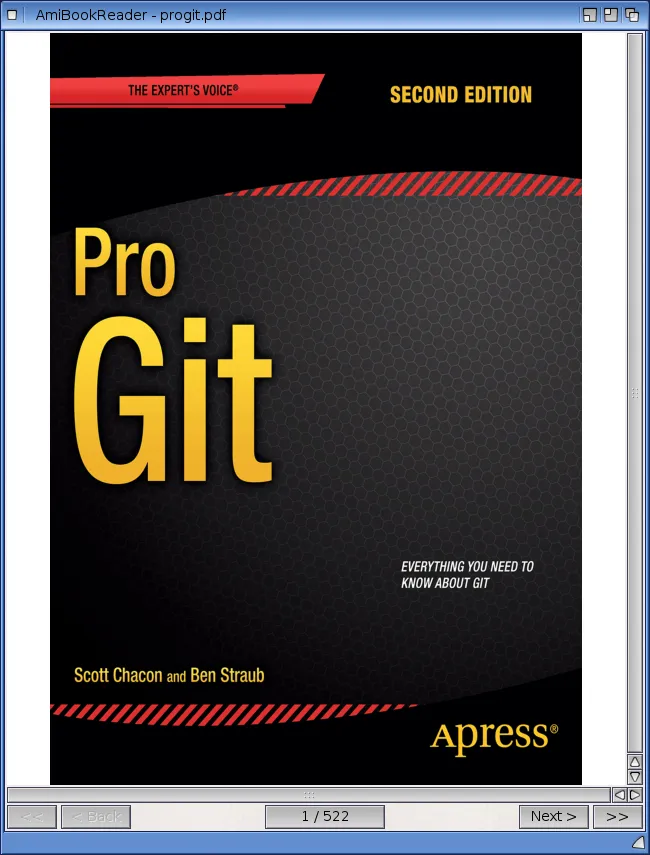
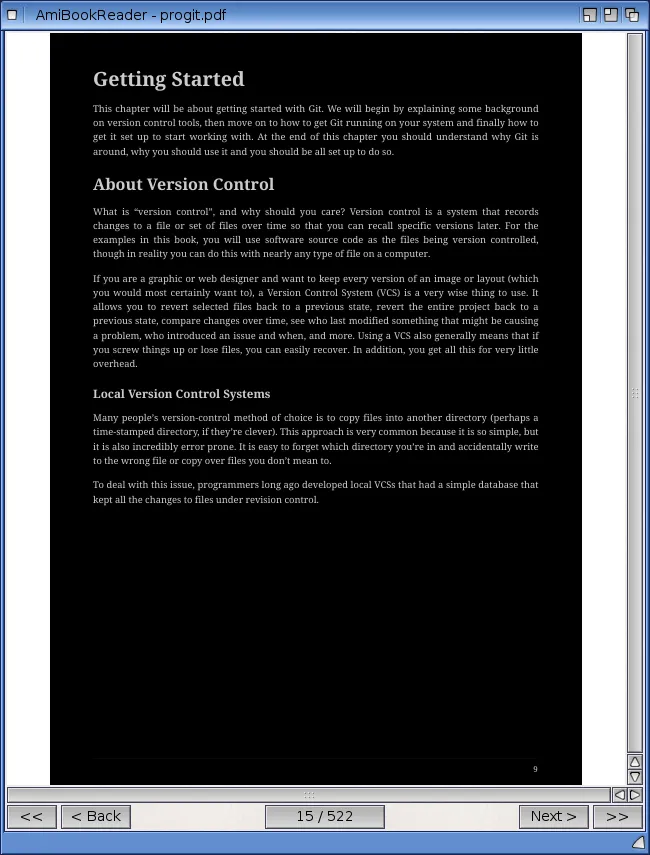
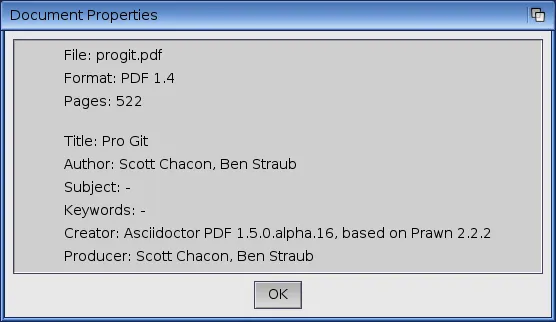
eBook & Document Reader
AmiBookReader is a native PowerPC AmigaOS 4.1 application for reading e-books, comics and documents. It uses MuPDF as its rendering engine together with a classic ReAction GUI, so it feels right at home on Workbench. Supported formats: * epub, pdf, cbz, xps, oxps, fb2, mobi - documents / e-books
* md, markdown - Markdown documents
* html, htm, xhtml - (X)HTML documents
* png, jpg, jpeg, gif, bmp, tiff, tif - standard images
* svg, txt - vector graphics / text
* jp2, jpx - JPEG 2000
* jbig2 - often embedded in scanned
PDFs, can also be opened
directly
* pnm, pbm, pgm, ppm, pam - Unix bitmap formats Features - Native ReAction GUI, resizable window
- Contents/bookmarks panel showing the document outline (when available); the "Contents" menu item is greyed out if the document has no outline
- Search panel: find text, jump to previous/next match, page position is remembered
Export menu: export the current page or the whole book as PDF, PNG, JPEG, HTML, XHTML or plain text - Zoom panel with +/- buttons and reset, or +/- keyboard shortcuts when the panel is closed
- Ctrl + mouse wheel zooms in/out
- Mouse wheel scrolling (scrolls within page, turns page at edge)
- Vertical and horizontal scrollbars
- Fullscreen mode (View menu, checkbox)
- Night mode and Sepia reading mode (experimental)
- Bookmarking: automatically remembers the last opened book and page
- "Start with Last Document" option (Settings menu)
- "Keep Window Size on Exit" option (Settings menu) - now also saves and restores the main window's position, not just its size
- Contents panel and Zoom panel position/size are saved and restored reliably
- Jump to first/last page (<< / >> buttons), direct page selection
- Drag & Drop: drop a file onto AmiBookReader to open it directly; files dropped onto the iconified AppIcon now open right away, no need to uniconify first
- Iconify support
- Shell support with command line arguments (see below)
- Workbench icon and screen title integration
- Full Unicode font fallback (CJK, Vietnamese and other Latin Extended scripts, emoji, historical scripts, math/symbol characters) for documents without embedded fonts
- Icons created by McFly
|
|
|
|
|